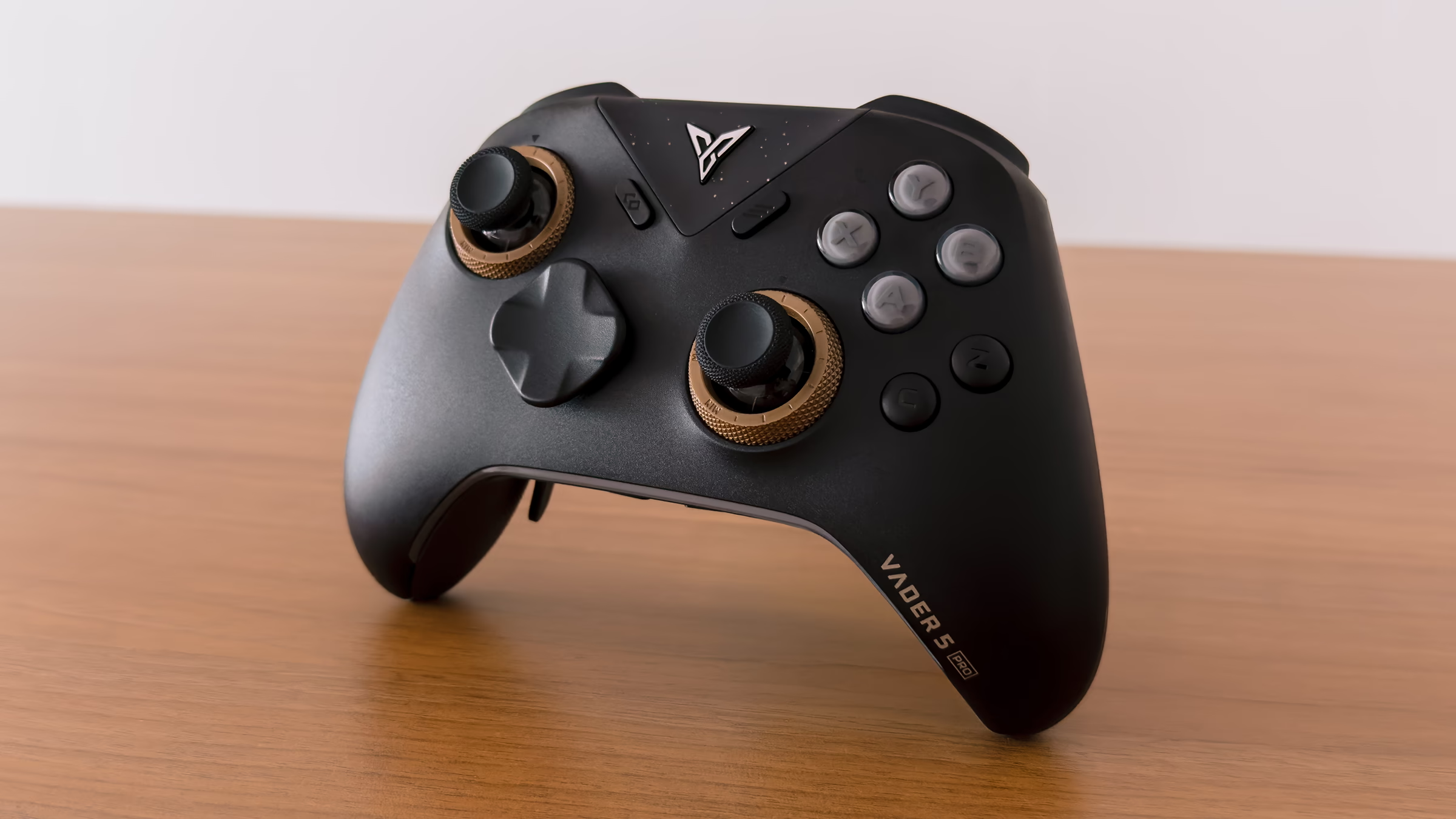
The Flydigi Vader 5 Pro is probably the first PC controller I'd point someone to if they want something pro-level without paying pro-level money.
At around $80, it isn't cheap in the way a basic third-party controller is cheap, but for a pro controller, it feels very reasonably priced. Adjustable stick tension, physical trigger switches, extra shoulder and back buttons, remapping, macros — there's a lot packed into it without pushing into the $150 to $200 territory of some flagship controllers.
Tech Specs
Feature Highlights
A lot of what you get with the Vader 5 Pro is the sort of stuff you'd expect from a modern pro controller, so I'm not going to run through every feature here. Instead, these are the things that stood out to me most from using it, or that I think are worth mentioning.
Build quality feels solid, and the rubberised grips are nice to hold. My one open question is how those grips will age. Rubberised surfaces and sweaty palms don't always make the best long-term combination.
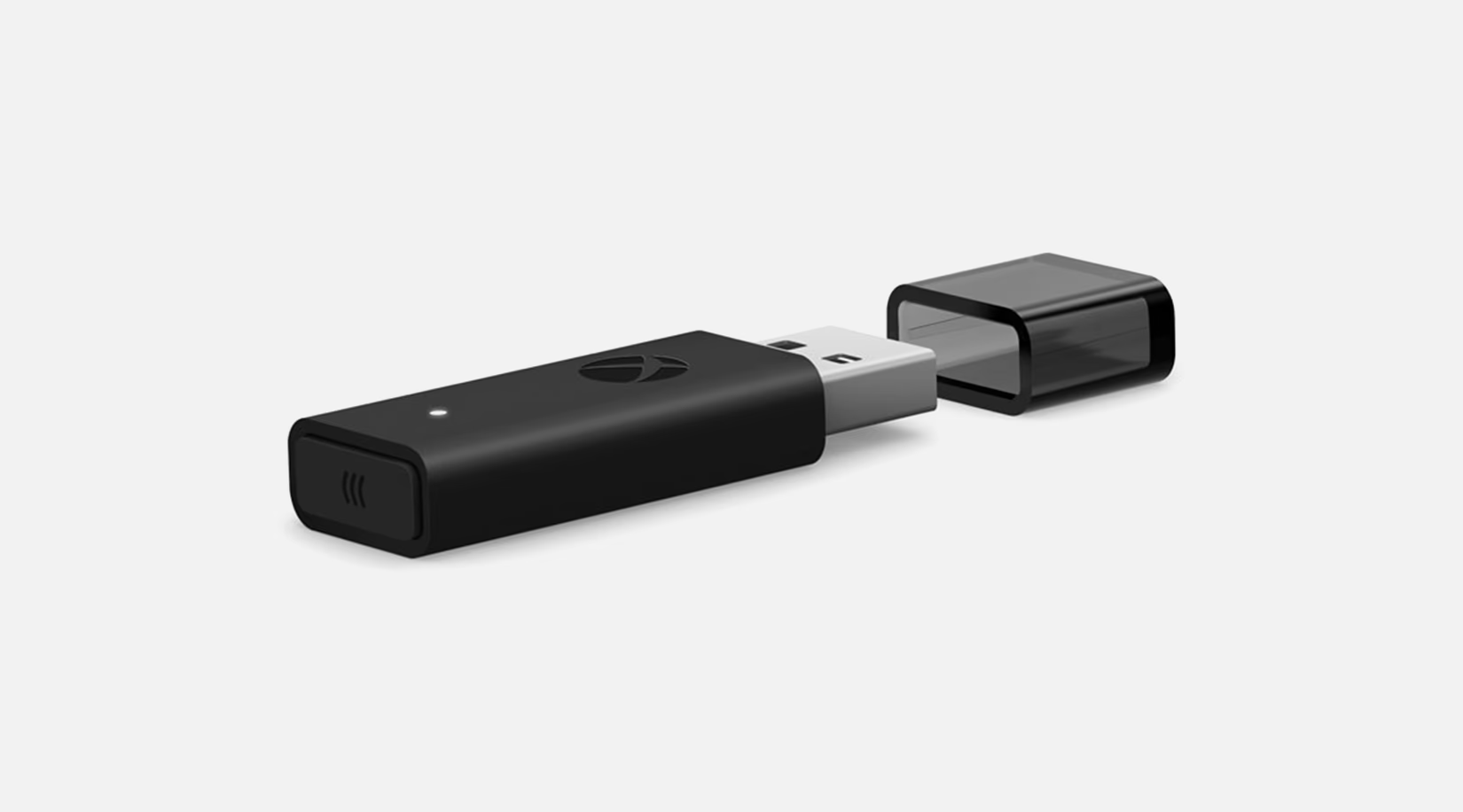
Connectivity is well covered too. You can use it wired over USB, wirelessly through the included 2.4GHz dongle, or over Bluetooth.
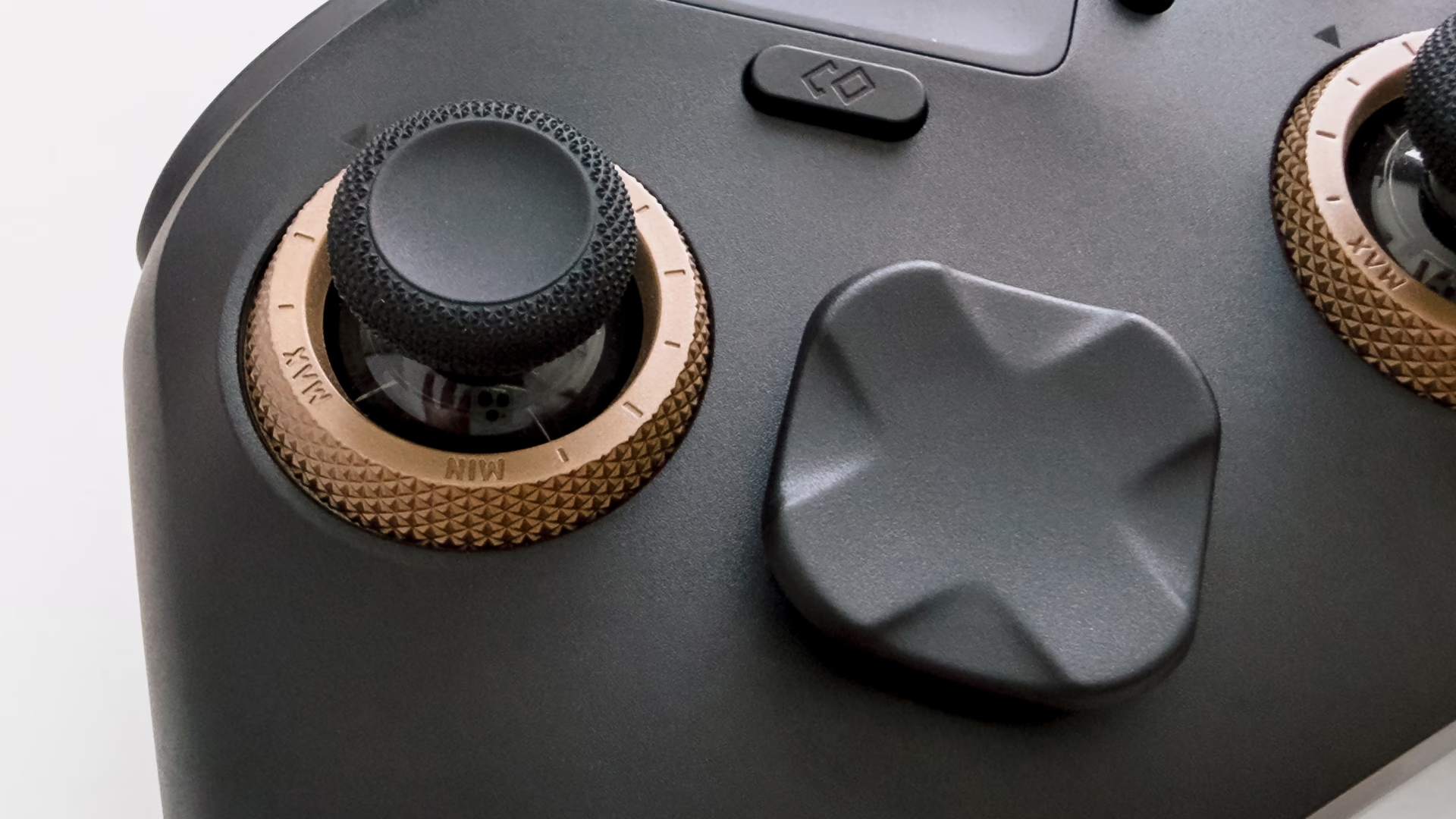
The sticks are hall-effect rather than the newer TMR type, and that's not a downgrade. Both track their position with magnets rather than physical contacts, so neither wears out and shouldn't drift the way older sticks did. For me, the more interesting part is the adjustable tension system around them. Flydigi calls it FORCEFLEX: each stick sits inside a physical ring that you can turn to make it lighter or stiffer. A looser stick makes quick movements and fast turns easier, while adding resistance gives you more control over smaller movements. What I particularly like is how easy it is to adjust on the fly. Just turn the ring and you're done; no app or disassembly required.
The D-pad is another thing I really like, although this seems to be one of the more divisive parts of the controller. Flydigi calls it the Rotary-Pivoted D-Pad 2.0, but really, the important bit is that it's clicky and tactile. Some reviews aren't particularly fond of it for platformers or fighting games. I've had the opposite experience. I find it precise and satisfying to use. I suspect some of the disagreement simply comes down to what people are used to. If you're accustomed to softer membrane or dome-switch D-pads, this feels very different.
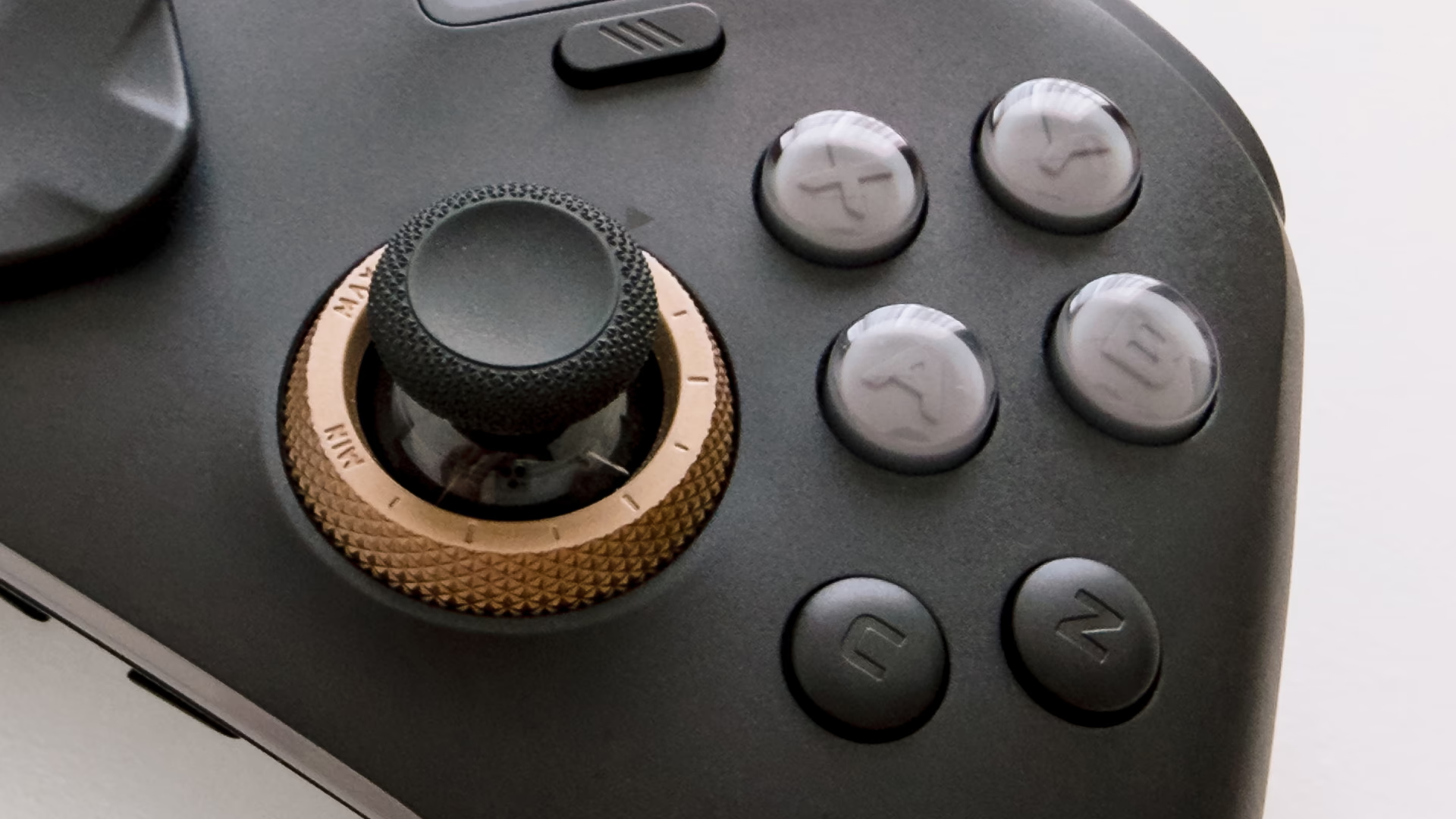
The ABXY face buttons use mechanical micro-switches, something that's becoming increasingly common on controllers aimed at competitive play. They have a short, mouse-click-like press, with less travel than a traditional membrane button, which makes them feel especially immediate. If that's not something you're used to, there can be a bit of an adjustment period. It took me a while, but I've grown to prefer them.
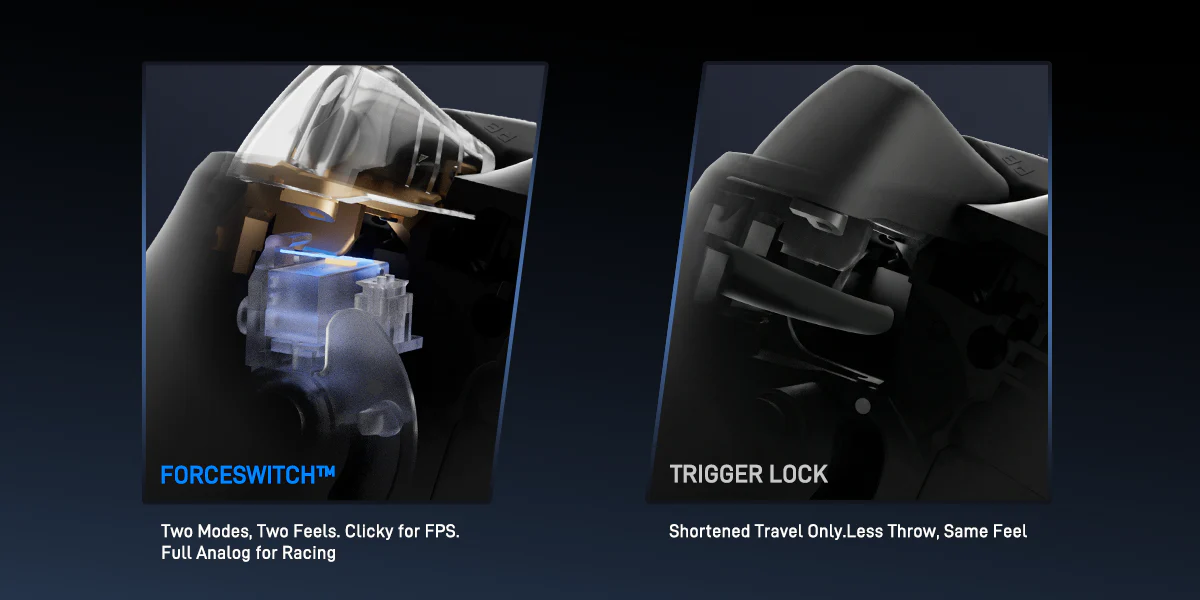
Then there are the triggers, specifically the physical switches on the back that change how they behave. They're not particularly unusual on pro controllers anymore, but they're still worth a mention. Leave them in linear mode and you get the full analog travel you'd want for, say, accelerating or braking in a racing game. Flip the switch and it becomes a short, instant micro-switch click instead. That's great for shooters, where you might not want all that trigger travel, but I've also found it useful for games that treat the triggers as simple digital buttons anyway — including plenty of Nintendo titles.
Speaking of Nintendo, the Vader 5 Pro also supports Nintendo Switch, Android and iOS.
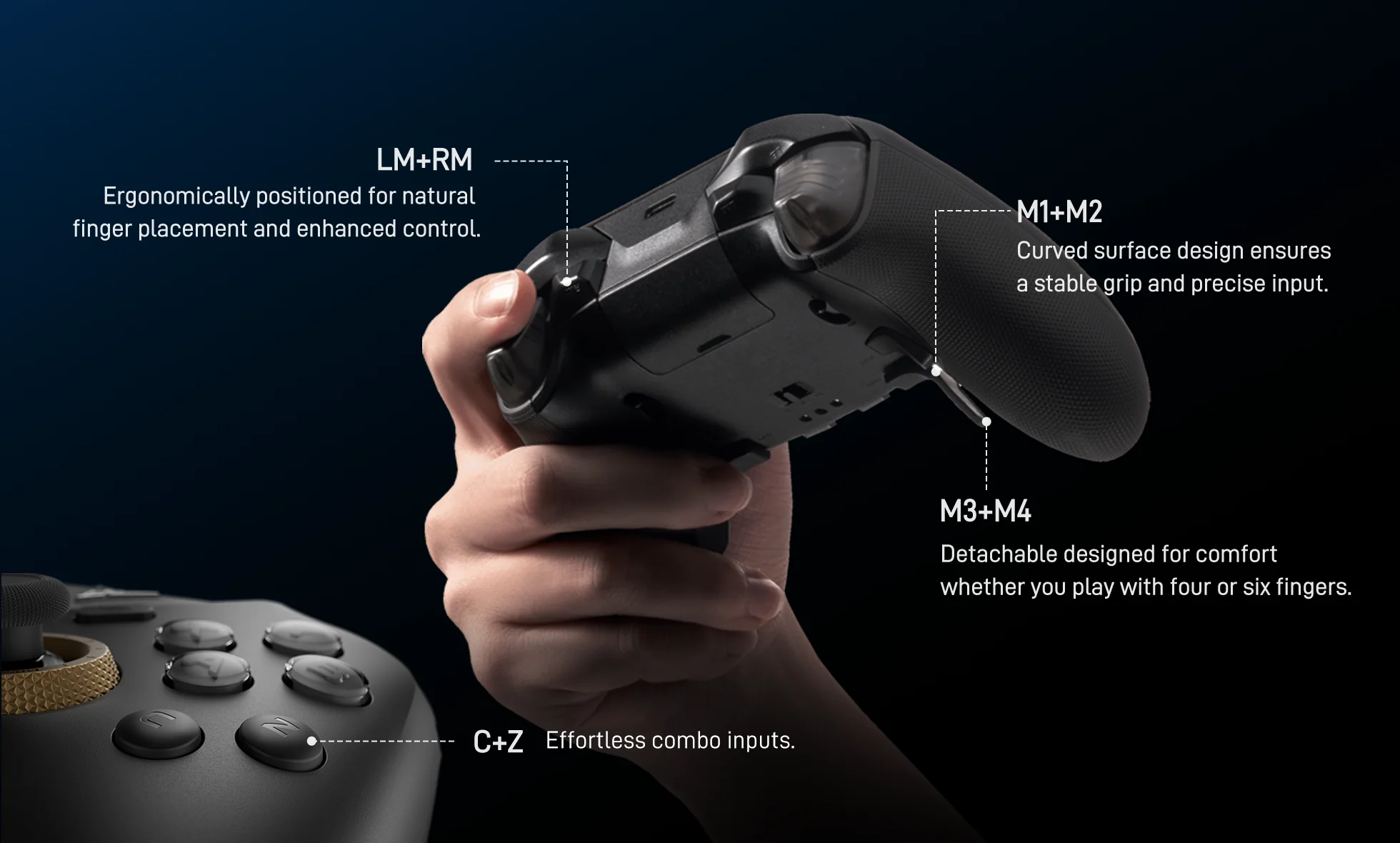
There's no shortage of extra buttons either. You get two additional shoulder buttons beside the triggers, two rear buttons, two clip-on rear paddles, plus the C and Z buttons on the face of the controller. All of them can be remapped, and you can assign macros if that's something you use.
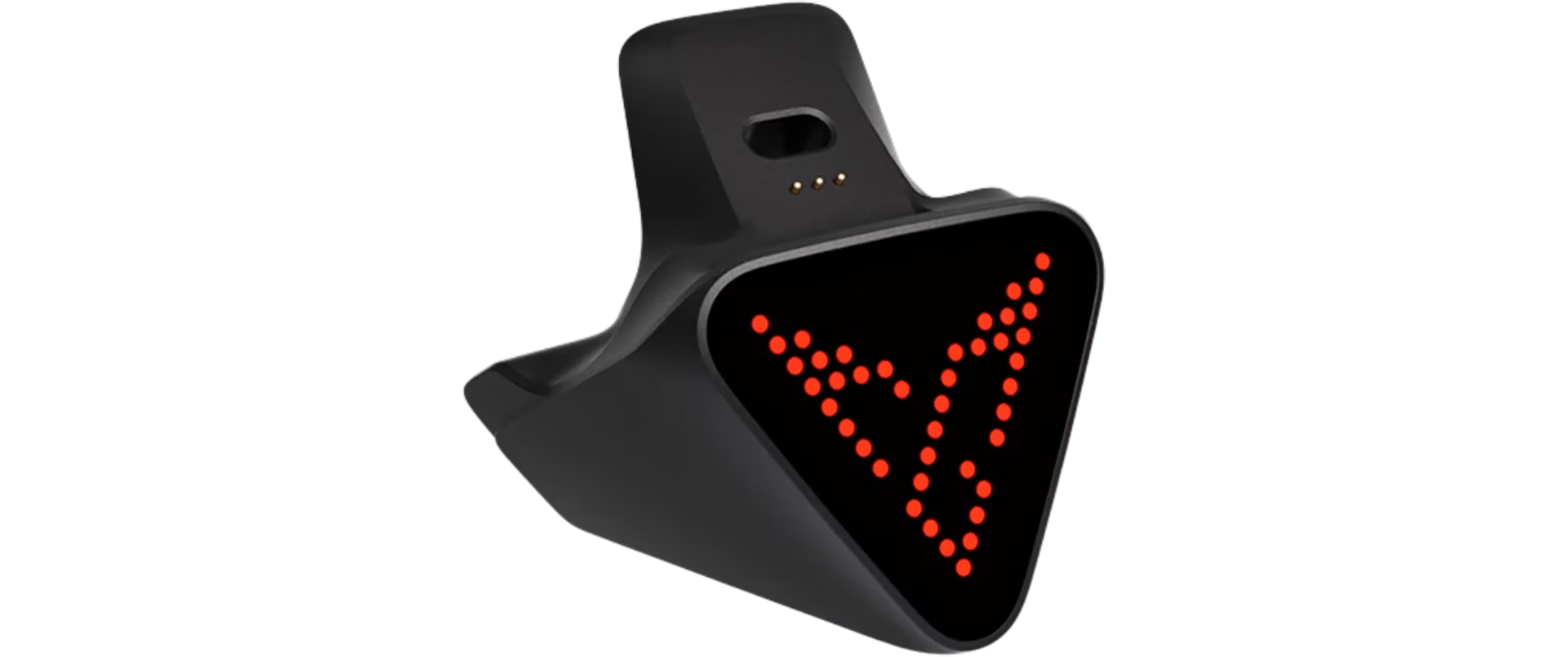
There are a few optional extras as well. Flydigi sells a separate charging dock, along with an accessory pack containing extra sticks, D-pads, a carrying case and a phone holder. None of these are essential, but it's nice that you can also add them later rather than having to buy a more expensive controller bundle upfront.
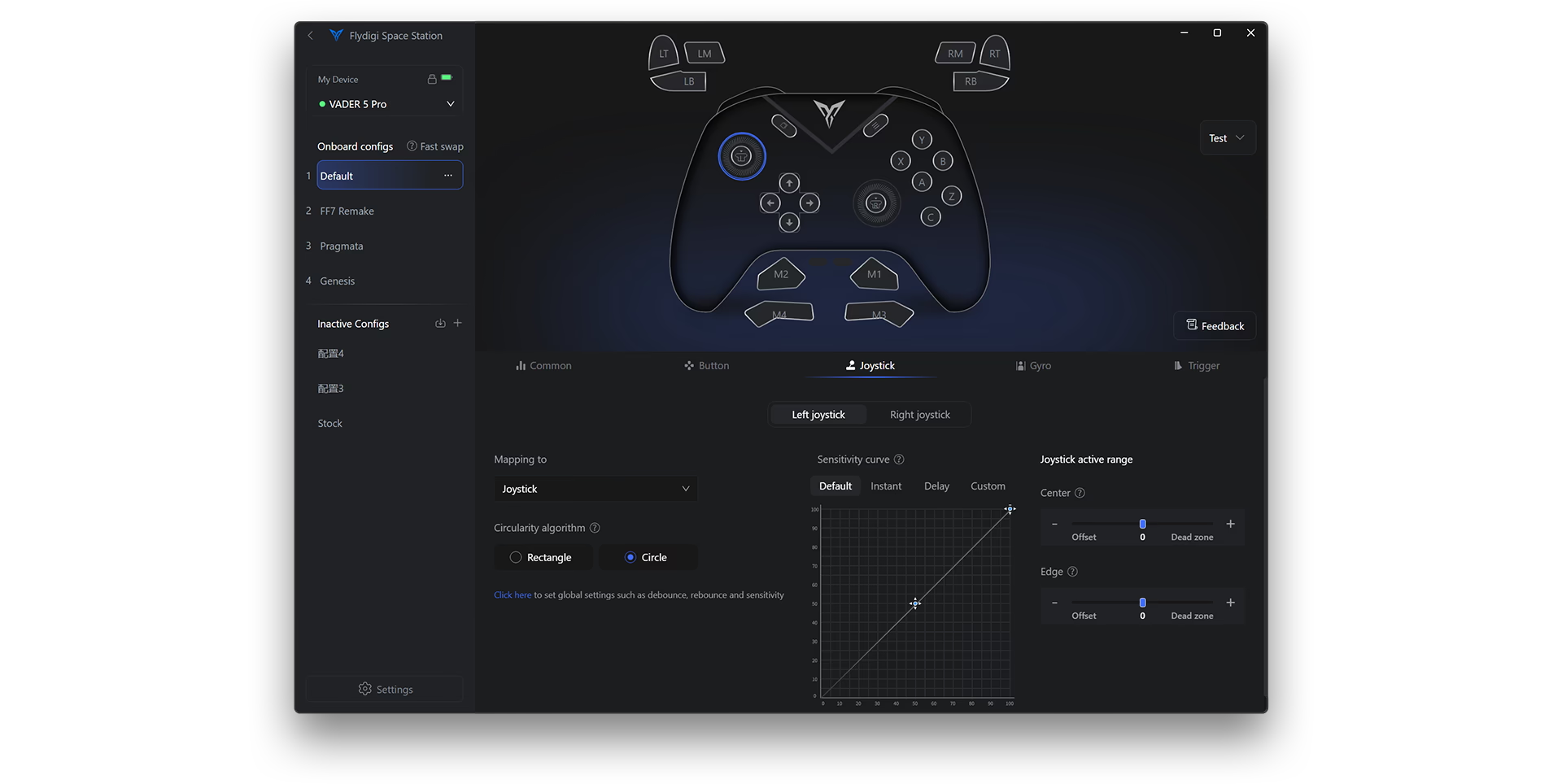
Most of the deeper configuration happens through the Flydigi Space Station 4.0 app. The app lets you remap buttons, adjust stick behaviour and dead zones, configure the triggers, change vibration strength, create macros and save different profiles. There's quite a lot in there, but I haven't found it difficult to navigate. My one weird issue has been updating the Space Station app. On my Windows PC, updates would fail unless I ran them in Windows Safe Mode. Updating the controller firmware through the app was fine. It was only the app's own software updates that gave me trouble. It's a frustrating bit of friction for something that should be straightforward.
V2 and QC Issues
There is one thing I'd pay attention to when buying a Vader 5 Pro: make sure you're getting the V2 revision.
Earlier units have a known issue with the rear paddles. There's too much travel after the button has already actuated, so repeatedly pressing the paddle can put unnecessary stress on the mechanism inside. There have been reports of the small plastic piece between the paddle and the internal switch breaking.
Flydigi has since revised the design. The V2 uses a reinforced back-button mechanism, alongside a few other changes, including revised ratcheting stick-tension rings. GadgetHyper, an authorised Flydigi partner, states that every Vader 5 Pro manufactured from April 2026 onward is V2, and its current stock is explicitly listed as the newer revision.
It gets a little trickier with third-party sellers and marketplaces, where the revision or manufacturing date may not be mentioned at all and older stock could still be floating around. If the listing doesn't explicitly say V2, I'd ask the seller to confirm before buying. Going through somewhere like GadgetHyper takes that particular bit of guesswork out of it.
More broadly, Flydigi does seem to have a bit of a reputation online for inconsistent quality control and support. I've come across enough reports while researching its controllers that I think it's worth mentioning, although my own experience has been much better. I haven't personally had a hardware problem with any of the Flydigi products I've owned so far.
Recommended Reviews
I'm not a controller reviewer, and I'm not going to pretend I can properly quantify every aspect of stick performance, latency or input behaviour. There are also things about a controller that are difficult to get across in writing — how the buttons sound, how the D-pad moves, how much resistance there is in the sticks and so on.
So if you're seriously considering buying one, these are a couple reviews I'd recommend checking out:
How It Compares to the Apex 5
I also own the Apex 5, Flydigi's actual flagship, and at around $160 before discounts, it costs roughly twice as much as the Vader 5 Pro.
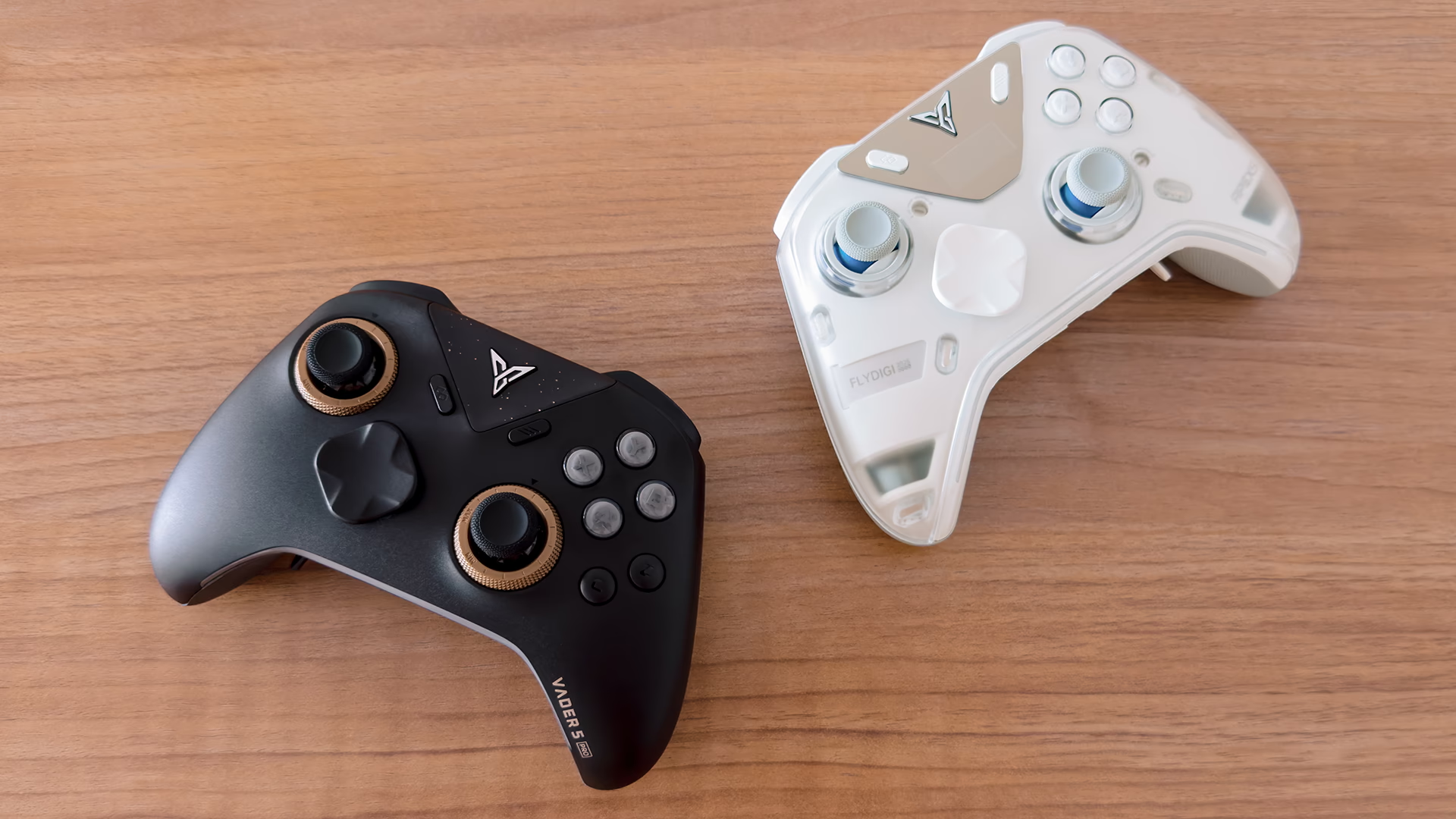
The Apex 5 does feel a little more solid and premium in the hand, although I can't quite put my finger on why. It's probably partly the weight, since it is a little heavier. The Vader 5 Pro already feels like a high-end controller, but the Apex has that extra bit of heft and polish to it.
Rumble is also much better on the Apex 5, specifically on the triggers, thanks to what Flydigi calls its FORCEADAPT trigger technology. The trigger vibrations feel noticeably more convincing, and there's a lot more you can do with them in the Space Station app, from simulating a throttle in racing games to recoil in shooters. It can even emulate the Sony DualSense's adaptive triggers in some games. Getting that set up can be a headache, and it doesn't always work perfectly, but when it does, it's pretty cool.
There's also the little screen on the front, which lets you change certain settings without opening the app. It's the most obviously "flagship" thing about the Apex 5.
That said, I prefer the Vader 5 Pro for its physical trigger switches. The Apex 5 doesn't have them, which feels like a step backwards, especially when they've become a fairly standard feature on modern pro controllers. You can recreate something similar in the Space Station app with its software trigger lock, and it does the job, but it isn't quite as satisfying as having that physical, tactile click.
Even with everything the Apex 5 does better, I wouldn't recommend it to most people. Unless you're an enthusiast who enjoys tinkering with things like trigger haptics and on-controller settings, the Vader 5 Pro is, for the most part, the better buy.
The Bottom Line
There are other controllers around this price point worth considering. The GameSir G7 Pro 8K is probably the most obvious alternative, though it doesn't support the Switch consoles. I haven't used one myself, so I can't give you a proper comparison. From what I've gathered, it has some advantages, particularly its newer TMR sticks, while opinions on its D-pad seem more mixed.
That could make it the better controller depending on what matters to you. But taken as a whole, I still think the Vader 5 Pro makes a particularly strong case for itself. The controls feel good, and there are more inputs than most people will ever need. The adjustable tension rings are a genuinely useful addition and there's plenty to configure if you want to dig deeper.
And that's really why I recommend it.
Some controllers do individual things better, and pricier ones can feel more special. The Vader 5 Pro just gets a lot right without asking for flagship money. If you mainly play on PC, like the XBOX controller shape and want something more "pro" without going overboard on price, this is where I'd start.
Changelog
AUG 20, 2026
- published post